
Regline: FAR/AIM Reader
14 CFR, the Aeronautical Information Manual and the Pilot/Controller Glossary on your iPhone and iPad, offline. Type a section number and it is the first result.
View on the App StoreOne purchase, $14.99. iPhone and iPad.
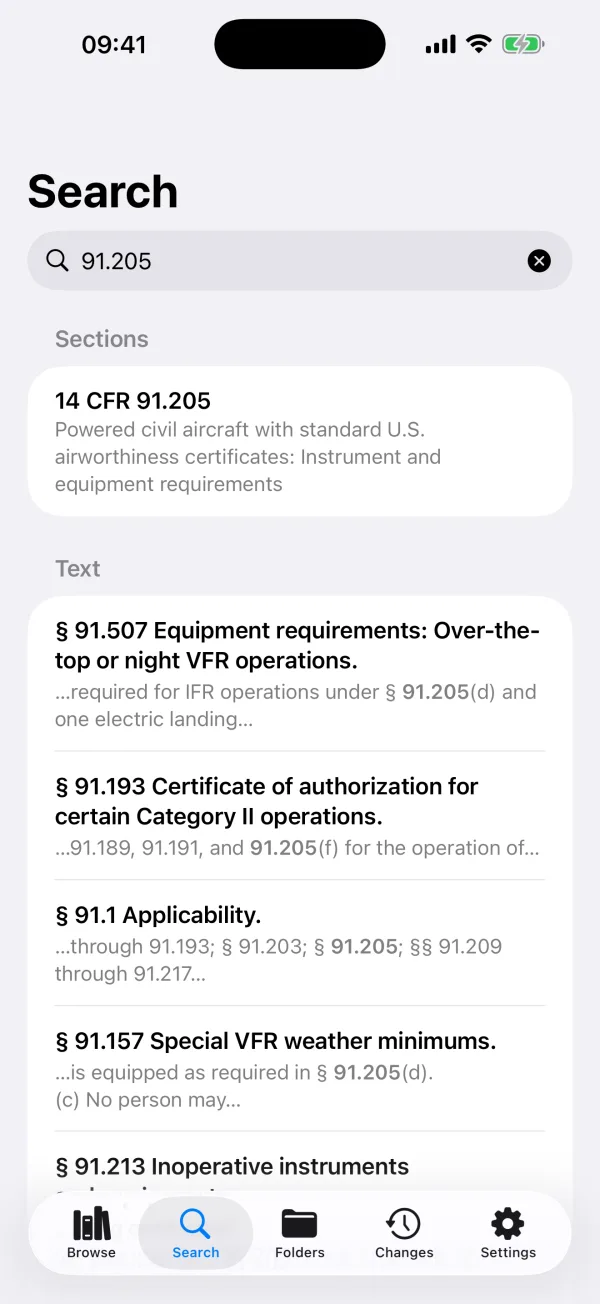
Type a section number; it is the first result. 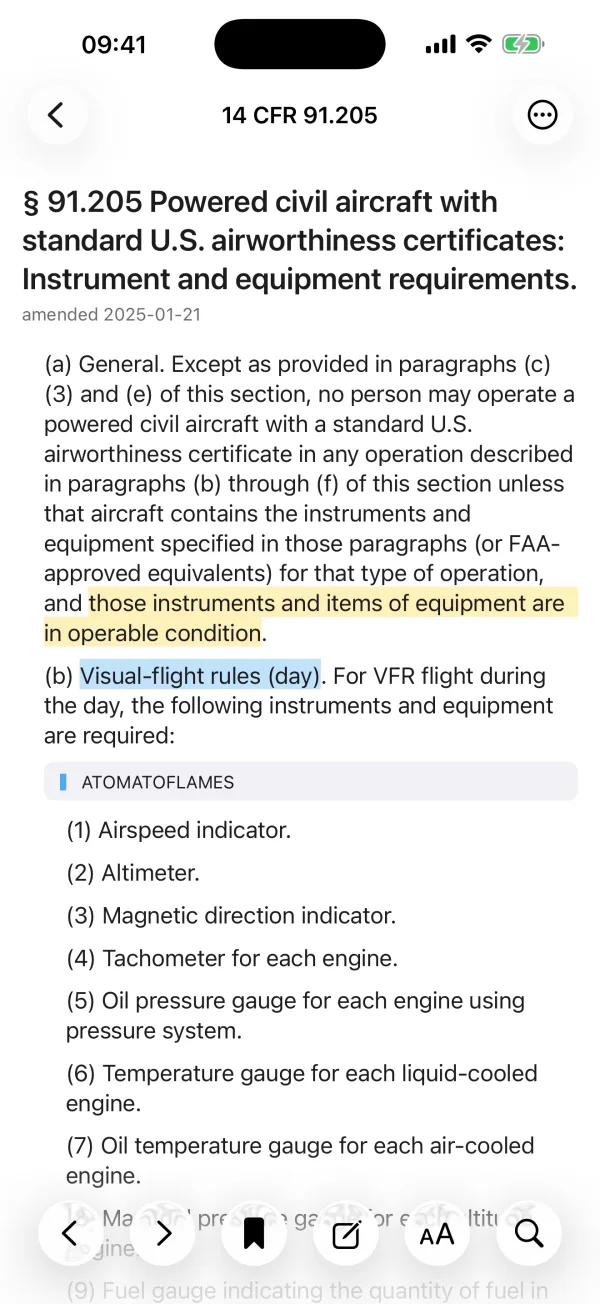
Highlights and notes stay on the words you marked. 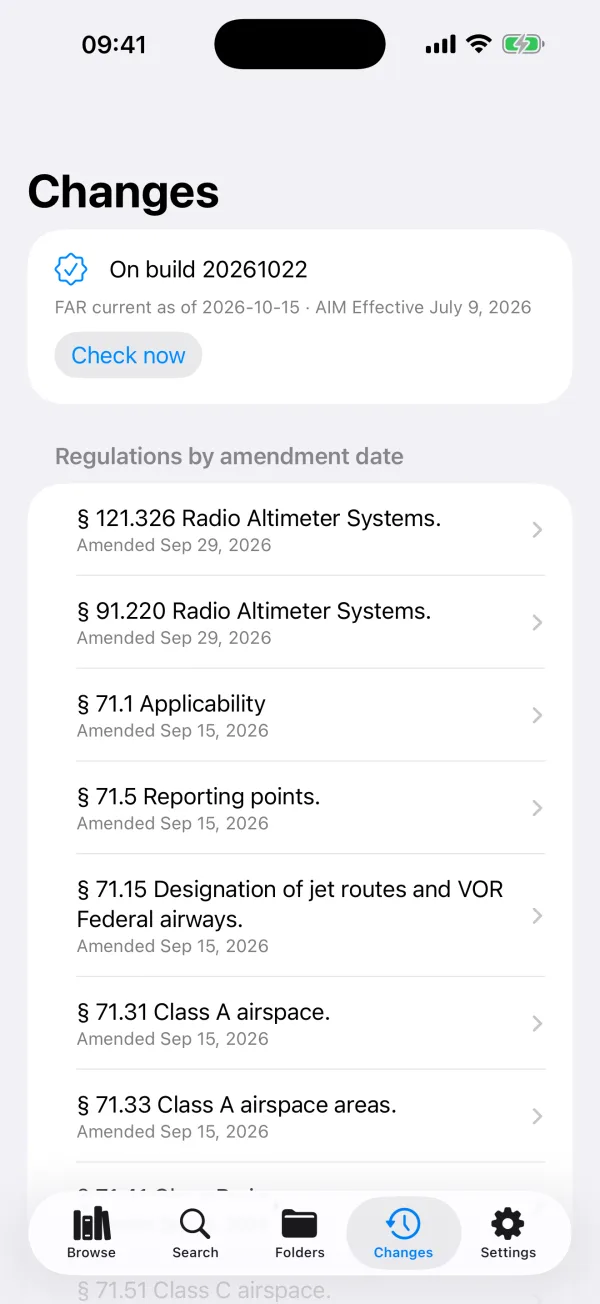
Regulations listed by FAA amendment date. 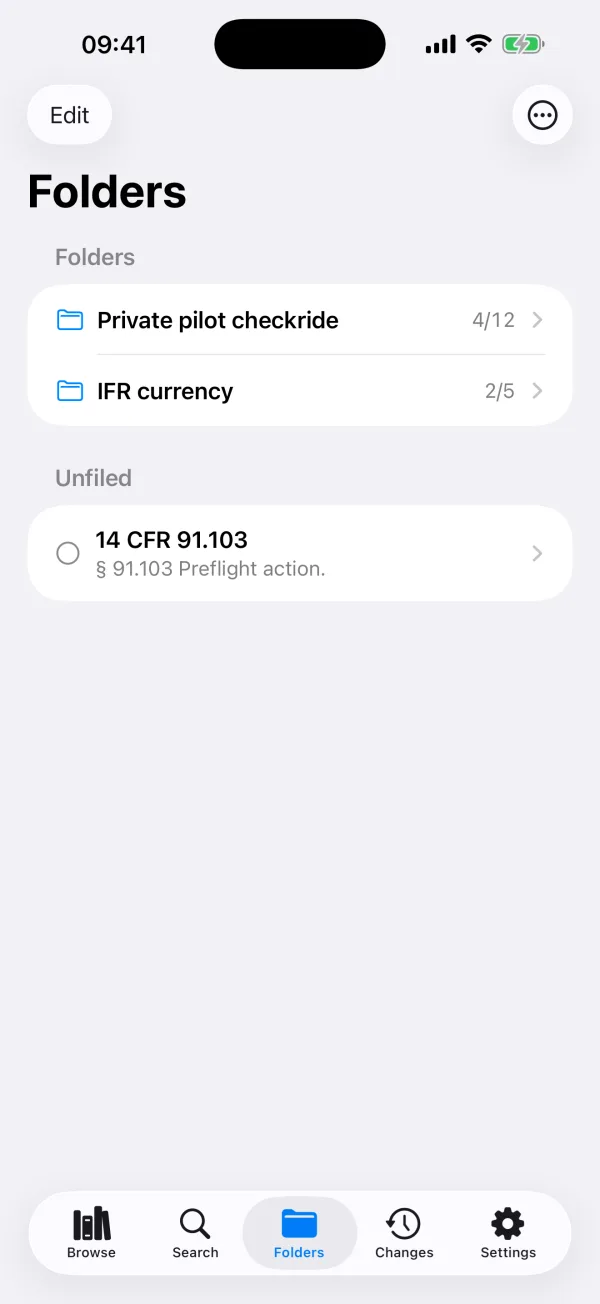
Folders for a checkride, a rating or a trip. 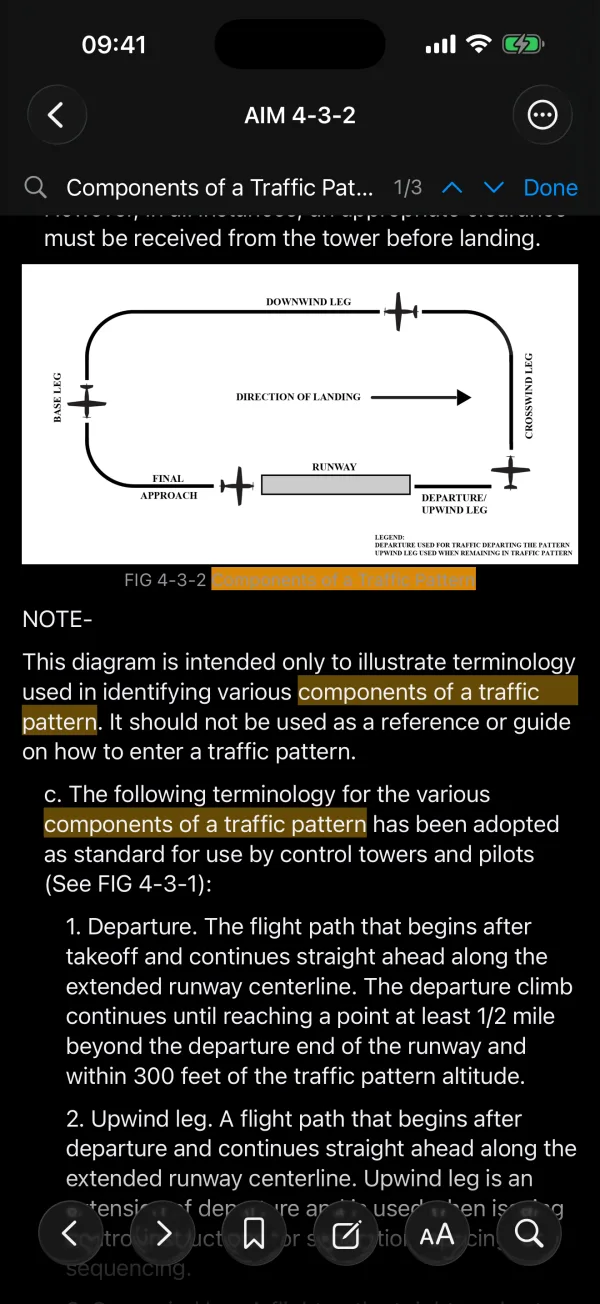
AIM figures, find-in-page and a true black reading page.
Before you buy
- Included: 14 CFR Parts 1, 23, 25, 43, 48, 61, 65, 67, 68, 71, 73, 89, 91, 97, 103, 105, 107, 110, 117, 119, 121, 135, 136, 141, 142 and 145, plus 49 CFR Part 830 (NTSB notification of accidents and incidents). The Aeronautical Information Manual, chapters 1 to 11 with their figures and appendices 1 to 5. The Pilot/Controller Glossary.
- Everything is inside the app and reads without a connection.
- All weekly FAR and AIM updates through December 31, 2027 are included.
- Parts 71 and 73: the airspace descriptions and area lists are incorporated by reference from FAA Orders JO 7400.11 and JO 7400.10 and are not in the eCFR text, so these parts hold their general rules only.
- Part 23 has been performance-based since 2017; its design details are in ASTM standards, which are not public and not included.
- Syncing highlights, notes and folders between devices needs iCloud on each device, signed in with the same Apple Account.
- No test-prep questions, and no Canadian, EASA or ICAO material.
Search that finds the section first
Type 91.205, FAR 61.57, 117 table a or aim app 4 and that section is the first result. Type a phrase such as special VFR, hypoxia or light gun signals and the section that answers it is at the top, with the matching words shown. Open a result and find-in-page highlights every match and steps through them, inside tables too.
Highlights, notes and folders that last
Highlight a passage, add a note to it or to a whole section, and file sections into folders for a checkride, a rating or a trip. Each highlight is tied to its section and to the words you marked, so it stays on those words when the FAA text around them changes. If the words themselves are removed, the highlight is listed for you to review instead of being dropped. With iCloud, everything follows you between iPhone and iPad. Share a folder as a study list file with another pilot.
See what the FAA changed
Settings and the Changes screen show the date the regulations are current to and the AIM edition. The Changes screen lists regulations by FAA amendment date. After an update, open a changed section to see the earlier text and the new text compared word by word: insertions underlined, deletions struck through.
One purchase
Pay once. No subscription, no account, no ads, no analytics. Found a difference from the official text? Report it from the section and it reaches the developer by mail. Dark mode with a true black reading page, adjustable text size and a serif option.
Where the text comes from
The regulations come from the eCFR (14 CFR and 49 CFR Part 830) and the manual from the FAA's Aeronautical Information Manual and Pilot/Controller Glossary, which are works of the US government. Regline checks for updates and downloads only the sections that changed. Regline is not affiliated with or endorsed by the FAA.
Regulation guides
Plain-English explanations of the sections pilots look up most, each based on the current eCFR text.
- FAR/AIM 2026: what is in it, where the free official text is, and book vs app
- Required equipment for VFR flight: the 14 CFR 91.205 day and night lists
- IFR currency requirements: 14 CFR 61.57(c) and (d), with a worked example
- 14 CFR 91.103 preflight action: what the rule requires, line by line
- BasicMed rules in the FARs: 14 CFR 61.113(i) and 61.23(c)(3), current limits
Questions or a correction: [email protected]. See app support and privacy.